Do You Need a Satellite Messenger in the Northwoods?
A ride near the Soo Line North Trail or deep in the Nemadji State Forest can feel close to civilization until a machine breaks down and your phone shows no service. A satellite messenger can help you call for assistance or send a check-in when cellular coverage disappears. This guide explains when one is worth carrying, what it can and cannot do, and how to prepare before heading into Minnesota’s Northwoods.
When a Satellite Messenger Makes Sense
Consider the route, not just the distance
A satellite messenger is most useful when you expect to spend time beyond reliable cell coverage and would have trouble getting help on your own. That could mean riding a long route through the Nemadji State Forest, exploring remote connections near Crane Lake, or spending a full day on trails where you may not pass another group for hours.
“Remote” does not always mean a place far from a town. A mechanical problem, injury, or wrong turn can become serious when you are several miles from a road, trailhead, or another rider. Even a familiar route can feel very different after a storm, when a trail is blocked or your group gets separated.
Think about the whole outing: how long you will be away, whether you are riding alone, how difficult it would be to walk out, and whether you have a dependable way to contact someone. If you are mapping a route with [Planning a Minnesota Riding Trip], include your communication plan alongside your fuel, trail, and turnaround plans.
Solo rides and higher-consequence trips deserve more backup
A satellite messenger is easier to justify when you ride alone. If you get hurt, lose your machine, or become disoriented, there may be no riding partner available to find a signal or go for help. Riding with a group lowers some risks, but it does not eliminate them: the group can split up, a rider can be injured away from the others, or a machine can become disabled on a less-traveled spur.
The case is also stronger when someone in your group has a medical condition, when you are carrying children, or when the route crosses rough terrain and recovery would be difficult. A trip that includes water crossings, steep or rocky sections, or a long stretch far from a trailhead deserves more careful planning than a short ride close to town.
Consider a hypothetical ride from a staging area near Gilbert. If everyone stays together on a well-used route, a phone may be enough for routine coordination where it has service. But if one rider takes a wrong turn onto a remote trail and cannot call the group, a satellite device could provide another way to send a location and request help. For more on preparing for low-traffic routes, see [Riding Alone in the Minnesota Backcountry].
A phone is useful, but it is not a complete backup plan
Cell coverage in the Northwoods can be inconsistent. Your phone might work near a town or along one section of a route, then lose service behind a ridge or among dense trees. Battery life can also become a problem when you use a phone for navigation, take photos, or keep the screen on in cold weather. [Cell Service in the Minnesota Northwoods] is worth considering when you plan a ride, but do not assume a working phone at the trailhead means you will have service throughout the day.
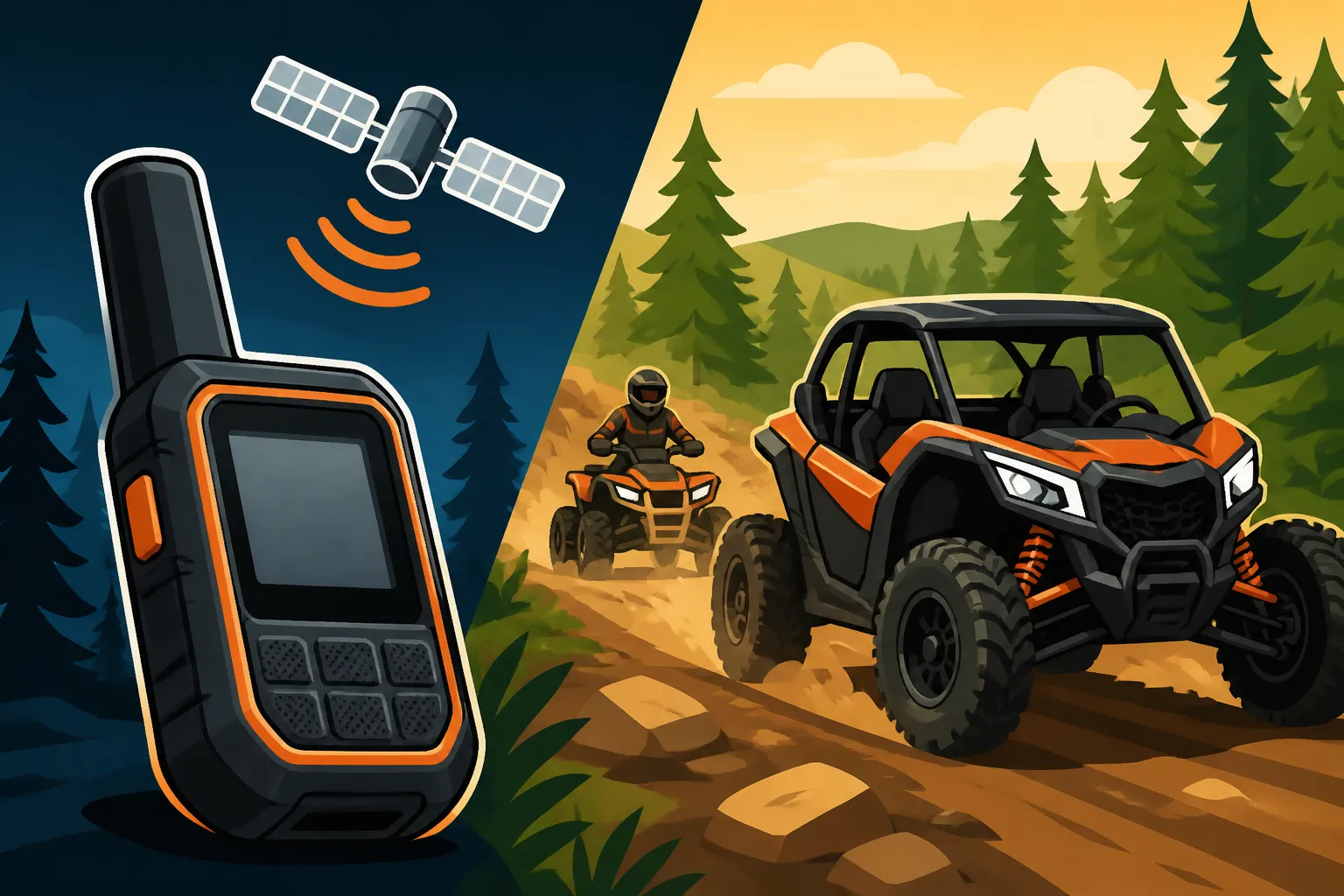
A satellite messenger uses satellite communication rather than relying on a nearby cell tower. Depending on the device and service, it may support check-in messages, location sharing, two-way messages, or an emergency SOS function. Capabilities differ, so read the device’s instructions and service details before relying on it. A messenger is not automatically a satellite phone, and some models have limited message features.
A messenger also does not replace preparation or guarantee an immediate rescue. A distress alert gives responders important information, but weather, terrain, access, and the nature of the emergency all affect what happens next. Use it as a backup communication tool, not permission to take unnecessary risks.
What a Satellite Messenger Can and Cannot Do
Check-in messages can reassure people at home
Many riders think first of the emergency button, but routine check-ins can be just as useful. A scheduled message or a quick “we’re okay” update can let someone at home know your group is following the plan. If you are delayed, a simple message may prevent unnecessary worry and help your contact distinguish a late return from a missed check-in.
Agree on the details before leaving. Tell your contact where you expect to ride, when you plan to return, and what they should do if they do not hear from you. A vague instruction such as “call someone if we’re late” leaves too much guesswork. A more useful plan identifies the expected check-in time, the amount of delay that should trigger concern, and the person or service your contact should reach.
Messages are only helpful if you know how to send them and your device can connect. Practice using the messenger before the ride, and explain its basic operation to everyone in the group. If the person carrying it is the one who becomes incapacitated, another rider should know where it is and how to use it.
SOS is for emergencies, not routine recovery
An SOS function is intended for a serious emergency, such as a life-threatening injury or a situation where the group cannot safely get out without outside help. It is not a substitute for a call to a friend to bring a belt, a tow strap, or a trailer. Use the device according to its instructions, provide clear information if two-way messaging is available, and keep the unit accessible rather than buried in a cargo box.
Before riding, make sure you understand how the emergency feature works. Know what happens after activation, how to communicate with the response service, and whether the device needs a clear view of the sky. Trees, terrain, and the way you carry the unit may affect its ability to connect. Test and practice it in a safe setting as directed by the manufacturer, not for the first time during a stressful incident.
A satellite alert also cannot tell rescuers everything they need to know unless you can communicate it. If possible, share your location, the type of emergency, how many people need help, and any hazards nearby. If you have to move away from the machine, make sure your group can still be found and can explain where you went.
Navigation apps and messengers solve different problems
Offline maps and satellite messengers are often confused because both can be part of a backcountry setup. A mapping app such as onX Offroad can help you review routes and use downloaded map information where cellular data is unavailable. That can be valuable when you are trying to stay on the intended trail or orient yourself after a turn.
But a mapping app does not provide satellite messaging or an emergency SOS service just because it can show your position. Your phone still needs an appropriate connection to send a message. Use onX Offroad for route planning and map reference, and treat a satellite messenger as a separate communication tool if your ride calls for one.
Before you leave, download any maps you expect to need and check that your phone can display them in airplane mode or another no-service condition. Carry a paper map as a backup if the route is unfamiliar. [Reading a Minnesota OHV Trail Map] can help you understand how to interpret the route information you have, while [Getting Turned Around in a State Forest] offers useful context for avoiding a minor navigation mistake becoming a bigger problem.
| Situation | Phone or offline map may be enough | Satellite messenger is worth considering |
|---|---|---|
| Short ride near a town or busy trailhead | Often, if coverage and a backup plan are reliable | Less essential, though still useful for added reassurance |
| Long day on remote forest routes | A downloaded map helps with navigation but cannot guarantee communication | More useful for check-ins and emergencies |
| Riding alone | A phone is a basic tool, but service may disappear | Stronger case because no partner can go for help |
| Group ride with a clear route and frequent contact | Phones may handle routine coordination where service exists | Helpful if the route is isolated or the group may separate |
| Injury or breakdown far from access | A phone may fail without coverage | Can provide another route to request assistance |
How to Decide What to Carry
Match the device to your actual communication needs
Start by asking what you need the device to do. If your main concern is letting someone know you are delayed, a device with simple check-ins may meet that need. If you want to exchange messages from areas without cell service, verify that two-way messaging is supported and understand how it works. If emergency response is the priority, learn exactly how the SOS feature operates and what information it transmits.
Compare devices by function rather than by appearance or a long list of advertised features. Consider ease of use with gloves, battery life for the duration of your trip, how it attaches to your gear, and whether you can read or operate it in poor weather. Service costs and included features vary, so review the provider’s own details before choosing a device.
Keep the unit where you can reach it. A messenger packed under tools, spare clothing, and food may be difficult to retrieve after a crash. A secure, accessible location on your person or within easy reach can matter more than a small difference in features. Make sure it will not be lost if you separate from the machine.
Plan for charging, cold, and failure
A device with a depleted battery is not a backup. Charge it before the trip, check its battery level, and bring a compatible power bank or charging option if your outing is long. Cold temperatures can affect batteries, so think about how you will keep the device warm and protected without making it hard to reach.
Carry a second way to navigate. That might mean a phone with downloaded maps, a paper map, or both. A satellite messenger may show coordinates, but it is not necessarily a full-featured trail map. If your phone is the navigation tool, protect it from water and impacts and avoid draining it with unnecessary screen use.
Your riding kit should also account for problems a messenger cannot fix. A first-aid kit, basic tools, water, warm layers, and recovery gear are still important. For a more complete checklist, use [What to Carry on a Remote Northwoods Ride] and [First Aid Far From the Trailhead]. A messenger can help summon assistance; it cannot keep you warm, treat an injury, or repair a broken machine while you wait.
Give someone a useful trip plan
Before you leave, tell a trusted person where you are going and when you expect to return. Name the trail system or staging area rather than saying only “the woods.” Share the route you intend to follow, any planned stops, the number of riders, and the machines in the group. If your plans change, send an update when you have a safe opportunity.
Agree on what counts as a missed check-in. For example, your contact should know whether a short delay is normal because you may stop for fuel or lunch, and when a delay should prompt them to act. Give them a way to reach another rider or your lodging if appropriate. A trip plan is much more useful when it includes practical details instead of a broad time window.
Check trail access and conditions before you go. Closures, weather, and trail damage can change your route or force a turnaround. Review [Checking Minnesota Trail Status Before You Drive] and, if you use digital route files, [GPS Files for Minnesota Trails]. A dependable plan includes a route you can follow, a communication backup, and a realistic option to turn back.
Using a Messenger Well on a Minnesota Ride
Set up and practice before the trailhead
Read the instructions, set up the service, and test the routine functions before the day of the ride. Practice sending a check-in, sharing your location, and finding the emergency feature. If the device allows preset messages, make them clear and useful. “We are delayed but safe” is more informative to your contact than a generic signal they may not understand.
Show the other riders where the device is kept and explain the basic steps for using it. A group leader may be carrying the messenger, but that person could be injured or separated. If there are children or less experienced riders, keep the instructions simple and make sure an adult knows how to access the device.
Do not wait until you have no service to discover that a setting is wrong or a contact was entered incorrectly. Check the device before leaving home and again at the staging area. Confirm that your contact knows how messages from the device will appear and that they understand the agreed check-in schedule.
Respond calmly if a message or emergency alert is needed
If you need help, stop somewhere as safe as possible and communicate clearly. State what happened, your location, how many people are involved, and whether anyone has an urgent medical need. If you are able to move to a safer or more open location without increasing the risk, do so only when it is sensible. Do not take a dangerous route just to improve a signal.
If you send a message and do not get an immediate reply, do not assume it failed or that help is already on the way. Follow the device’s instructions, keep trying as directed, and conserve battery. If the emergency is serious, use the SOS function rather than relying only on a routine check-in. Keep the device on and accessible so responders can communicate with you if the service supports replies.
A breakdown that is not an emergency still needs sound judgment. If the group can safely handle it, use tools or recovery equipment and contact your trip contact with an update when possible. If weather, injury, darkness, or terrain makes waiting unsafe, reassess the situation rather than treating a messenger as a substitute for a safe exit plan.
Build communication into the group’s riding habits
A device is most useful when the group has agreed on how to use it. Decide who carries it, when check-ins will happen, and what the group should do if riders become separated. Set a meeting point before entering a complicated trail network, and agree not to split up without communicating the change.
Keep the messenger with the person who is most likely to be able to use it in an emergency, but do not make the rest of the group dependent on one person’s memory. A quick review at the trailhead can cover the route, expected return, device location, and check-in plan. These small habits can prevent confusion when a rider is tired, cold, or dealing with a mechanical problem.
Finally, choose your equipment based on the ride you are actually taking. A short outing close to a town has different communication needs from a full day on quiet forest trails. When service is uncertain, the route is remote, or you are riding alone, a satellite messenger can add a valuable layer of contact. Pair it with route planning, offline maps, practical supplies, and a person at home who knows when to expect you.
Disclaimer
This article is for general informational purposes only and does not constitute professional advice. Laws, prices and regulations vary by location and change over time. Consult a qualified professional for guidance on your specific situation.